
Our verdict
A credit-metered AI video studio where the model you pick, not the plan name, sets what a finished video costs, with a real free plan whose allowance it does not publish.
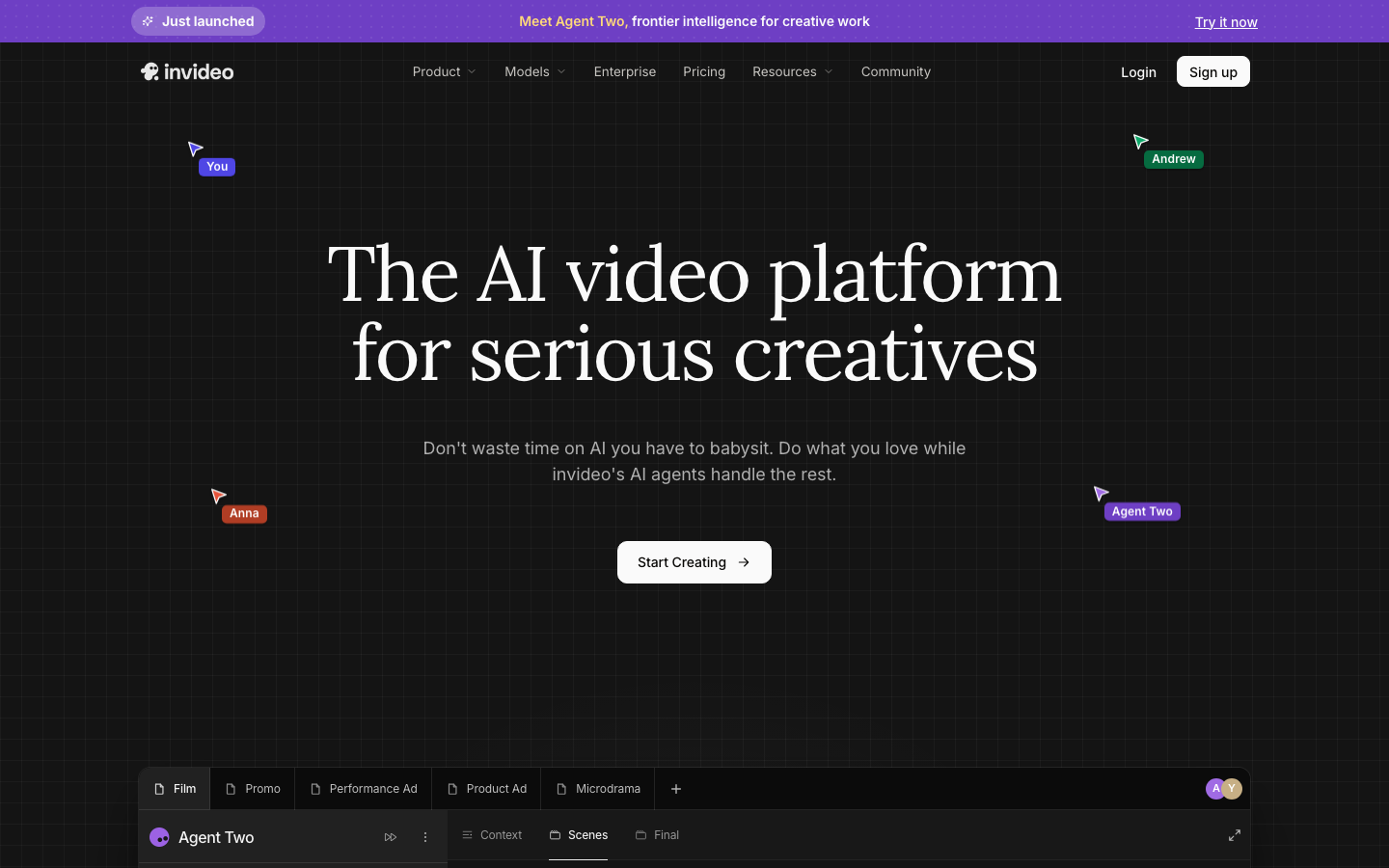
InVideo has moved on from a prompt-to-video generator. It now sells Agent Two, an agentic video editor: you describe the edit in plain words and agents work on a real multitrack timeline that you can take over at any frame. Around that sit third-party video and image models (Seedance, Veo, Kling and others) drawing on one credit balance, AI avatars, voice cloning, a UGC ad agent, and a public MCP server that lets Claude, ChatGPT, Cursor and Codex edit projects from outside the app.
Pricing is by credits per seat, and the plan name tells you less than the model you choose. Starter is $20 a seat monthly for 400 credits ($10 billed yearly), Plus is $60 for 2,000 ($30 yearly) and Max starts at $150 for 5,000 ($75 yearly), with Team and Scale on a separate Business tab and Enterprise by contact. Credits are charged at each model’s own rate, which the vendor describes as original API pricing, so a five-second Seedance 2.5 clip costs about 56 credits at 720p and 96 at 1080p. Unused credits do not roll over, and billed monthly the Max plan shows a first-period price that renews higher.
A free plan exists, according to InVideo’s own help center: no card, a limited credit allowance that resets every Monday at 12 a.m. UTC, and image generation in Agents & Models. The number of credits is not published and the pricing page shows no Free card, and a separate legacy product, InVideo Studio, has its own Free plan with a watermark, so check which product you are signing up for. We read every page without logging in. How good the output is, how fast it renders and what a free export looks like are untested here. InVideo’s own pages also disagree with each other on user counts and language counts, so quote the page you are looking at, not an average.
Reviewed by AI Review Rating desk review against the published rubric How we score
What it does well
- Agent Two, an agentic video editor: you describe the edit in plain words and agents work on a real multitrack timeline you can take over at any frame (Starter gets Agent Two Lite only; Plus and Max add Pro and Ultra)
- Third-party video and image models inside one credit balance, among them Seedance 2.5 and 2.0, Veo 3.1, Kling 3.0, MiniMax H3 and Nano Banana (model access varies by plan; Starter has no Seedance 2.5)
- Voice: text to speech and voice cloning from a 30-second sample, with the vendor citing 50+ languages on most pages and 70+ on its voice generator page
- AI avatars ('AI Twins') made from a YouTube link or a 60-second upload, with an Express version the vendor says takes under 5 minutes
- A UGC ad agent that goes from a product link to a finished ad, with each shot approved as a still before it is animated
- A public MCP server at mcp.invideo.io/mcp that lets Claude, ChatGPT, Claude Code, Codex and Cursor edit timelines from outside (sign-in with an invideo account required)
- Exports finished media, or an editable project for Premiere Pro, Final Cut Pro or DaVinci Resolve
Pros and cons
Pros
- A free plan exists with no card needed, resetting weekly on Mondays at 12 a.m. UTC, according to InVideo's own help center (the allowance is not published) source
- Models are charged at their original API pricing, and the credit cost of a generation can be checked before you click Generate source
- Billing yearly is 50% below the monthly list price on Starter, Plus and Max ($10, $30 and from $75 a seat a month) source
- Manual editing on the Editor timeline is free; only AI work draws credits source
- Works from outside the app: a public MCP server lets Claude, ChatGPT and Cursor edit InVideo timelines source
Cons
- Unused credits do not roll over to the next month source
- What a video costs depends on the model, not the plan: by the vendor's own calculator, Plus's 2,000 credits buy about 35 five-second Seedance 2.5 clips at 720p (20 at 1080p), and Starter has no Seedance 2.5 access source
- The free plan's credit allowance is not published anywhere we could read, and the pricing page shows no Free card source
- Billed monthly, Max shows a lower first-period price that renews higher: $135 renewing at $150, $265 at $300 and $373 at $450 source
- Two price lists are live: the AI plans above and a separate legacy Studio list (a Free plan with a watermark, Business $15, Unlimited $30), so check which product you are signing up for source
- InVideo's own pages disagree with each other: 25mn+ and 50mn+ users, and 50+ and 70+ voice languages source
Pricing
| Tier | Monthly | Includes | Seats |
|---|---|---|---|
| Free | Free | Limited credits, no card needed. The allowance is not published; the quota resets weekly on Monday at 12 a.m. UTC. Per the help center it covers image generation in Agents & Models and sharing videos on social media | 1 |
| Starter | $20 | 400 credits a month per seat. $20 per seat billed monthly, or $10 a month billed yearly (the page shows a 50% yearly discount). Up to 5 seats, no guest seats. Agent Two Lite only; Seedance 2.0 Fast and 2.0 Mini, no Seedance 2.5 | up to 5 |
| Plus | $60 | 2,000 credits a month per seat. $60 per seat billed monthly, or $30 a month billed yearly (50% yearly discount shown). Up to 10 seats plus 10 guest seats at 190 credits each. Agent Two Lite, Pro and Ultra; all Seedance models | up to 10 |
| Max | $150 | 5,000, 10,000 or 15,000 credits a month per seat. Billed monthly the list price is $150, $300 or $450 per seat (the page showed $135, $265 or $373 for the first period, renewing at list); billed yearly $75, $150 or $225 a month. Up to 20 seats plus 20 guest seats. Premium stock footage 500 to 1,500 clips and 2,000 to 6,000 GB of storage by tier | up to 20 |
| Team | $79 | 1,600 credits a month per seat (8,000 for 5 seats). $79 per seat billed monthly, or $47 a month billed yearly. 5 to 30 members. On the Business plans tab | from 5 |
| Scale | $215 | 4,000 credits a month per seat (20,000 for 5 seats). $215 per seat billed monthly, or $107 a month billed yearly. On the Business plans tab | from 5 |
| Enterprise | Custom | Custom credits, unlimited seats, contact sales. The vendor claims SOC 2 Type II and GDPR compliance and no training on customer content on its Enterprise page | unlimited |
On video
What users actually say
- I tried the AI that turns prompts into video (Invideo AI) Reddit · 2024
- Invideo.ai. What a SCAM!!! read this before you sign up Reddit · 2025
- I tested 5 AI video tools (CapCut, Runway, InVideo & more) Reddit · 2025
We link to discussions rather than reproducing them. Opinions belong to their authors.
User reviews
No one has reviewed InVideo here yet. Reviews are moderated before they appear, and our own score is editorial and separate from user ratings, though once reviews land they do lift it.
Used InVideo? Review it.
Sign in to rate it. One account, one review per tool, so the score means something.
Requiring an account is how we keep this page free of drive-by spam. We never sell your address.
InVideo alternatives
 ChatLabs
Writingmate puts GPT, Claude, Gemini, Grok, Sora, and Veo…
🥈
ChatLabs
Writingmate puts GPT, Claude, Gemini, Grok, Sora, and Veo…
🥈  reap video
AI video editor that turns long videos, webinars, and…
🥉
reap video
AI video editor that turns long videos, webinars, and…
🥉  Colossyan
 Creator makes video creation simple and stress-free. Discover…
Colossyan
Colossyan Creator makes video creation simple and stress-free. Discover…
 PhotoToVideoAI
Convert photos to videos online for free - no…
PhotoToVideoAI
Convert photos to videos online for free - no…
 GoStudio.ai
 is an AI photo and video studio -…
GoStudio.ai
GoStudio.ai is an AI photo and video studio -…
 Pixel Dojo
Create AI images and videos with 110 tools in…
Pixel Dojo
Create AI images and videos with 110 tools in…
Side by side
| Tool | Our score | From | Free tier | Best for | |
|---|---|---|---|---|---|
| InVideo this page | 5.2 | $20 | Yes | Creators and small teams who want several video… | |
| 🥇ChatLabs | 8.3 | - | Yes | ||
| 🥈reap video | 7.9 | - | Yes | ||
| 🥉Colossyan | 7.4 | - | Yes | ||
| PhotoToVideoAI | 7.2 | - | Yes | ||
| GoStudio.ai | 7 | - | - | ||
| Pixel Dojo | 7 | - | - |
Articles on InVideo
Questions
Is InVideo free?
Yes, with limits. InVideo’s help center, in an article dated 28 July 2026, says you can use invideo AI for free without entering a card. The free plan gives limited credits that reset every Monday at 12 a.m. UTC, and the article describes image generation in Agents & Models and sharing videos on social media. The number of credits is not published, the pricing page shows no Free card, and we did not sign in, so we could not test what a free export looks like. The separate legacy Studio product has its own Free plan with a watermark. Checked on 2026-10-17.
How much does InVideo cost?
On 2026-10-17 InVideo’s pricing page showed Starter at $20 per seat a month, Plus at $60 and Max at $150 when billed monthly. Billed yearly the page showed $10, $30 and $75 a month, a 50% discount. Max comes in 5,000, 10,000 and 15,000 credit sizes ($150, $300 and $450 monthly list). Team ($79 per seat) and Scale ($215 per seat) sit on its Business plans tab, and Enterprise is by contact. Usage runs on credits, so the vendor’s page is authoritative for what a plan covers.
What does a credit buy?
It depends on the model. The pricing page’s own calculator gives about 30 credits per Seedance 2.0 Fast video and 2.5 credits per Nano Banana Pro image. Seedance 2.5 is about 56 credits for five seconds at 720p and 96 at 1080p, which the page turns into about 35 and 20 clips on Plus’s 2,000 credits, and 89 and 52 on a 5,000-credit Max. Starter has no Seedance 2.5 access. InVideo says credit costs can change without notice.
Do unused InVideo credits roll over?
No. InVideo’s pricing FAQ says unused credits do not roll over to the next month.
Can I use InVideo from Claude or ChatGPT?
Yes. InVideo runs a public MCP server at mcp.invideo.io/mcp, and its Remote Agents page shows how to connect Claude, ChatGPT, Claude Code, Codex and Cursor so the assistant can edit a project’s timeline. You sign in with an invideo account when you connect, and the tools work inside that account. We did not connect one, so we cannot speak to how well it works. Read on 2026-10-17.
Does InVideo have an API or developer docs?
We found no documented REST API. The address invideo.io/api serves the homepage, checked 18 October 2026, so it is not developer documentation. The developer surface is the MCP server above, with setup instructions at invideo.io/agents.md and a section of the help center. There is no public changelog at invideo.io/changelog, /updates or /release-notes.
What is InVideo best for?
Creators and small teams who want several video and voice models, avatars and an editor under one credit balance, and will check the credit cost of each generation.
When is InVideo the wrong choice?
Anyone who needs a fixed price per finished video: credits burn at each model’s own rate, do not roll over, and the free allowance is unpublished.
How is InVideo scored here?
InVideo scores 5.2 out of 10. That comes from a desk review of public evidence, which is capped at 8.5 out of 10: public pricing, documentation, maintenance signals and how much we could actually verify. Affiliate relationships are excluded from scoring entirely. The full rubric is published on our methodology page.